Begin with performance and fault troubleshooting.
Leigh can look at the behaviour, narrow down likely causes and explain whether the next step is a setting, software change, repair or replacement decision.
Explore computer supportComputer, device & small business support
Hands-on and remote help for computers, mobile devices, software and everyday systems—explained clearly, scoped sensibly and handled by one person from first email to final handover.
Start with the symptom
Choose the line that sounds closest. The suggested route will change, giving you a practical place to start—not an automated diagnosis.
Leigh can look at the behaviour, narrow down likely causes and explain whether the next step is a setting, software change, repair or replacement decision.
Explore computer supportPrinters, Wi-Fi, accessories and accounts often depend on more than one setting. Support can trace the path instead of treating each part in isolation.
Explore setup supportSuitable software and account problems can often be handled remotely, provided the device can connect safely and the issue does not require physical repair.
Check remote suitabilityFor a home or small team, Leigh can configure devices, accounts, software and common safeguards without adding enterprise complexity.
Explore small business ITOne-to-one guidance can focus on everyday device skills, software, online services or safer habits, with space to ask questions and repeat the steps.
Explore user trainingMove through the service lines to see the kind of work involved. Every enquiry still starts with context, not a package or sales script.



Two practical ways to work

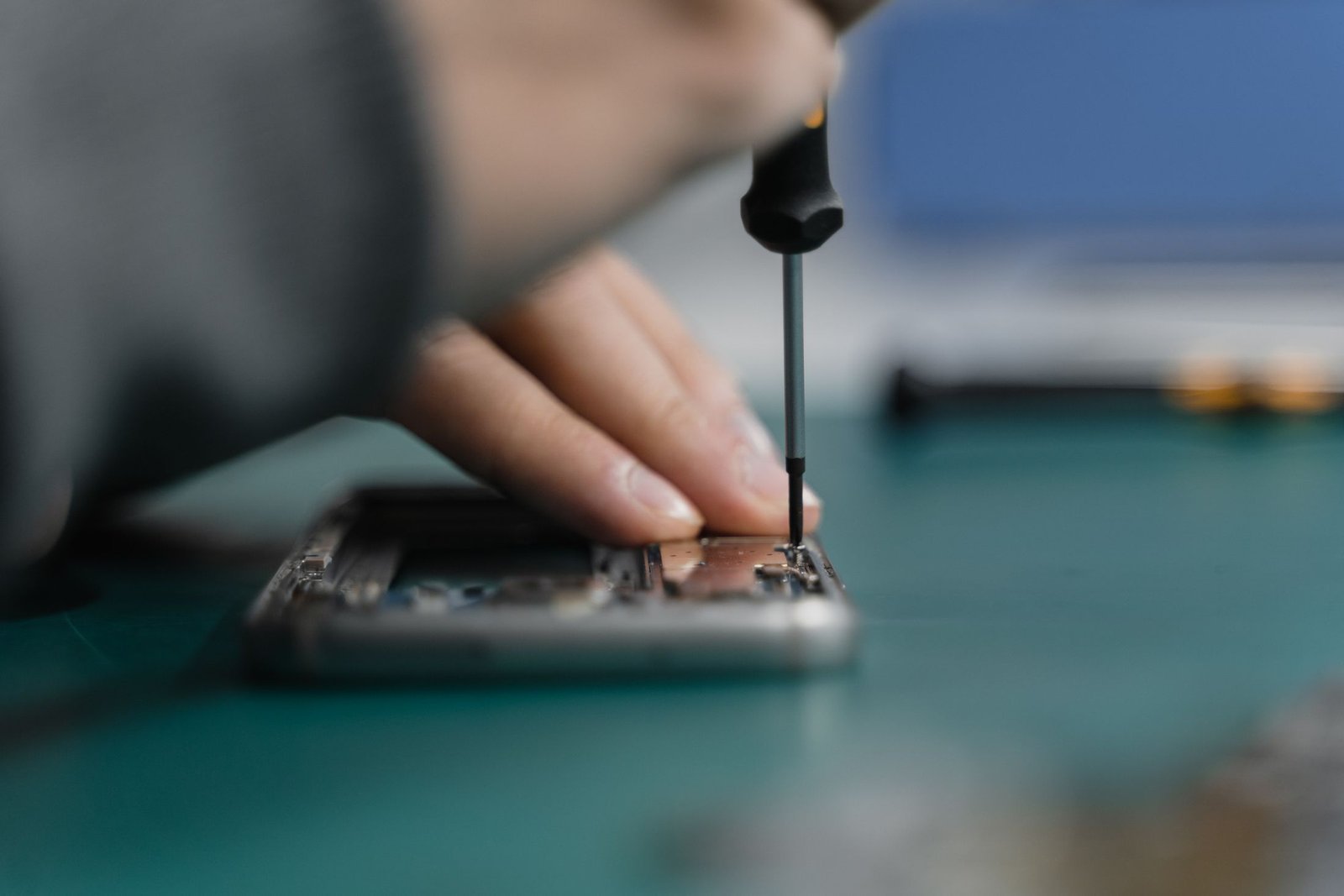
For physical setup, device assessment, repairs and issues where seeing the whole environment matters.
Request on-site helpFor suitable software, settings, accounts, security basics and guided troubleshooting handled with your permission.
How remote support worksThe support protocol
No mystery process. Leigh identifies the context, explains the practical options, works through the agreed path and leaves you with useful next steps.
Share the device, the symptom and what you need to be able to do again.
Leigh checks the likely scope and whether on-site or remote help fits.
Diagnosis, setup, troubleshooting, repair or guidance stays connected to the goal.
Finish with an explanation of what changed and what is useful afterwards.
Start a support request
Include the device or system involved, what you have noticed, and whether you are looking for on-site or remote help.
OPEN EMAILcontact@gaiterit.com.au